Guide to Perfecting Conference Photography and Videotaping
In the fast-paced world of conferences and corporate events, the demand for high-quality photography and videography has never been greater. As an experienced photographer and videographer at St. Louis Photography Studio, I have had the privilege of working on countless conferences and have learned valuable insights into what it takes to capture these events successfully. In this comprehensive guide, I will share my expertise and tips on how to perfect conference photography and videotaping.
Understanding the Importance of Conference Documentation
Before diving into the technical aspects of conference photography and videography, it’s crucial to understand why documenting conferences is essential. Conferences serve as a platform for businesses and organizations to share valuable insights, network, and showcase their expertise. The content generated at these events often holds significant value, both for the organizers and the attendees.
1. Preserving Knowledge:
Conferences bring together industry experts and thought leaders who share their insights and knowledge. Proper documentation ensures that this valuable information is preserved for future reference.
2. Marketing and Promotion:
High-quality photos and videos can be used for marketing and promotional purposes. They can be featured on websites, social media, and marketing materials to attract future attendees and sponsors.
3. Networking Opportunities:
Conference documentation helps attendees connect with speakers, sponsors, and fellow participants. It also serves as a networking tool for those who couldn’t attend in person.
4. Content Repurposing:
Conference content can be repurposed into webinars, podcasts, blog posts, and more. This extends the life and reach of the conference’s message.
Pre-Conference Preparation
Successful conference documentation begins long before the event starts. Proper preparation is the key to ensuring that you capture every important moment.
1. Client Briefing:
Start by meeting with the event organizers to understand their specific goals and expectations. Discuss the schedule, key speakers, and any unique aspects of the conference that need special attention.
2. Scouting Locations:
Familiarize yourself with the conference venue. Identify key locations such as the main stage, breakout rooms, and networking areas. Knowing the layout will help you plan your shots effectively.
3. Equipment Check:
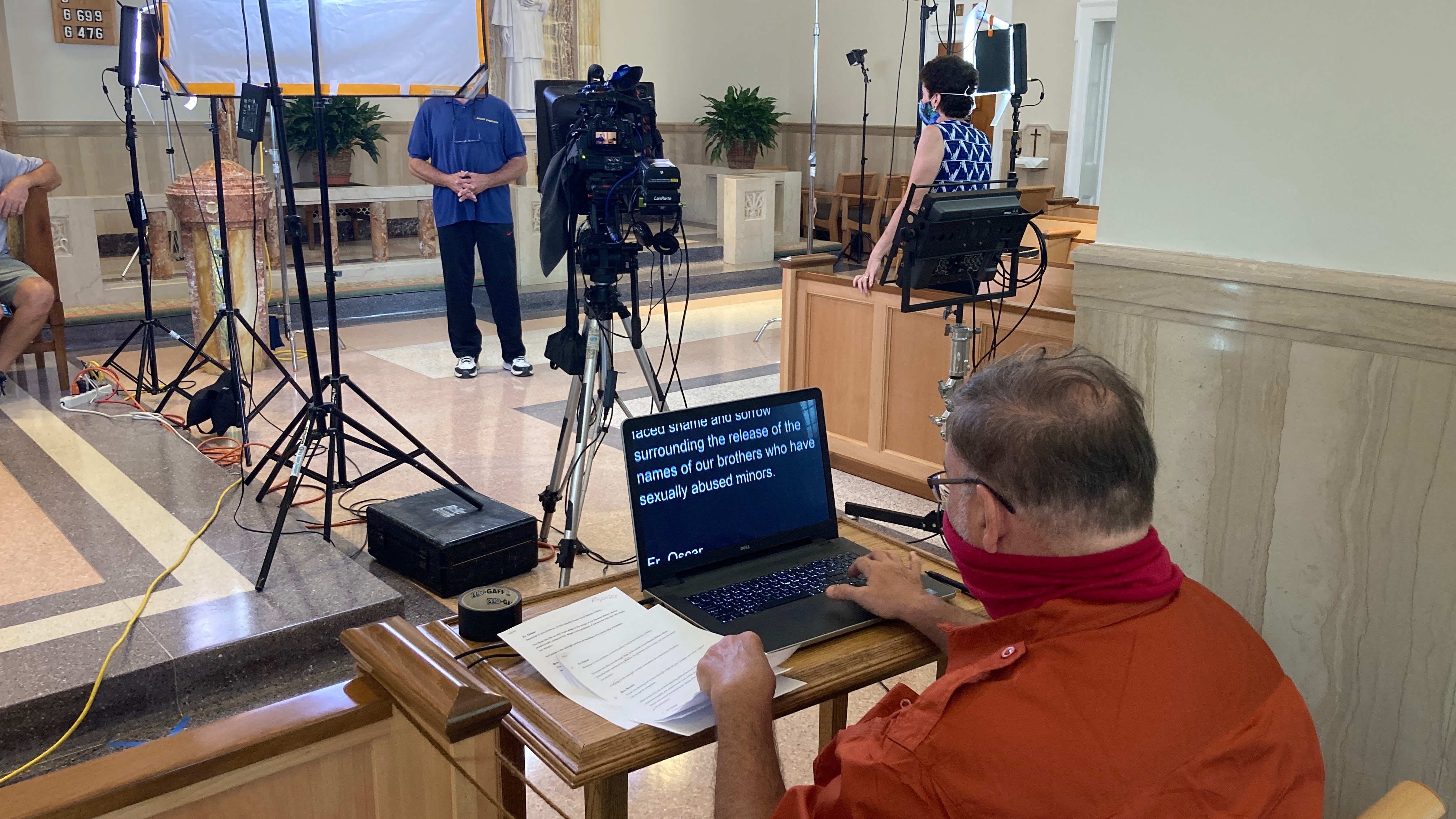
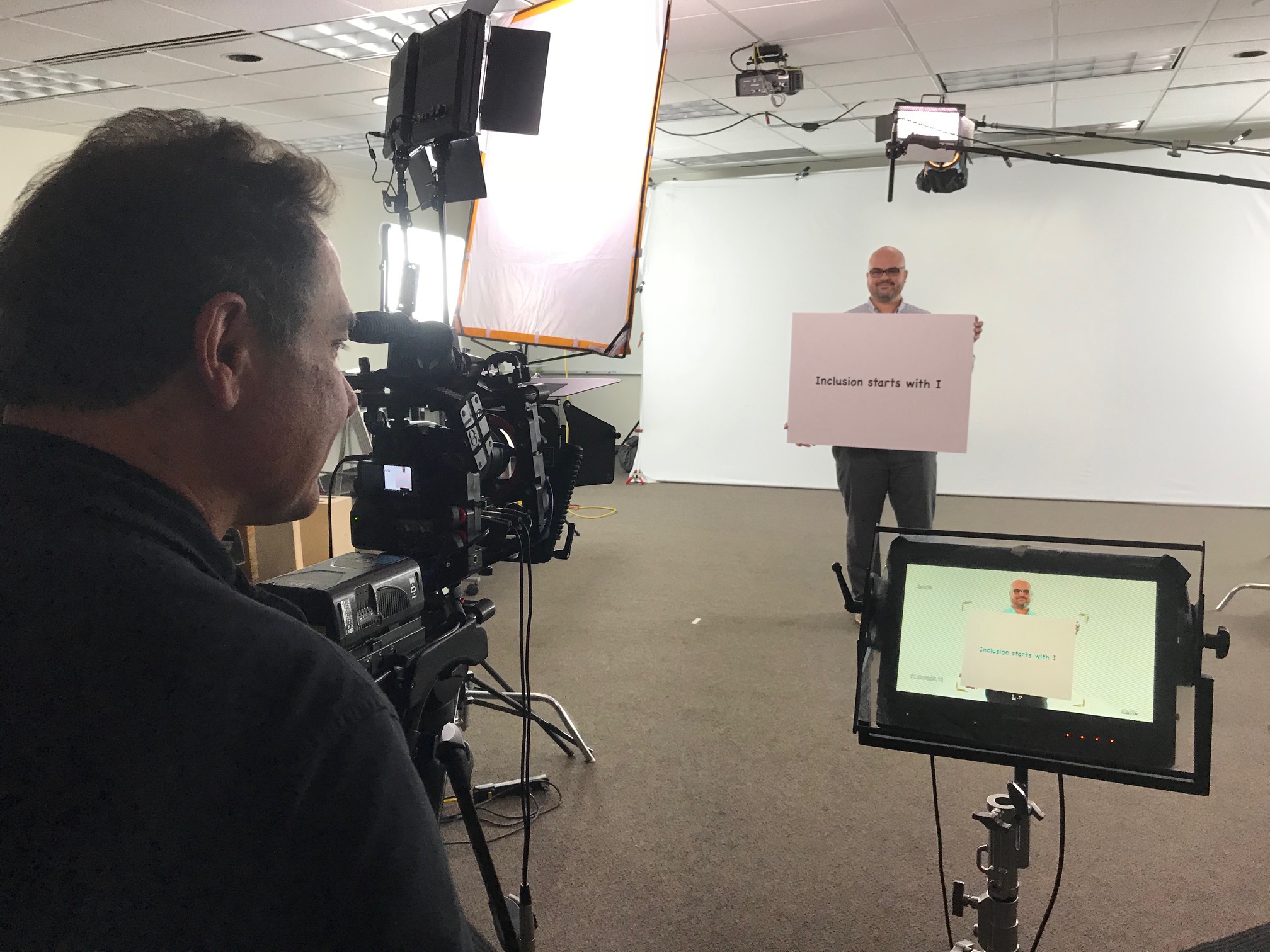
Ensure that your photography and video equipment is in excellent working condition. This includes cameras, lenses, tripods, microphones, and lighting equipment. Bring backups for critical gear.




4. Shot List:
Create a shot list that includes the must-capture moments, such as keynote speeches, panel discussions, audience reactions, and candid moments. Having a shot list will help you stay organized during the event.
5. Communication:
Coordinate with the event organizers and other team members, if applicable. Clear communication ensures that everyone is on the same page regarding the schedule and priorities.
Capturing the Conference
Now that you’re well-prepared, let’s delve into the techniques and strategies for capturing the conference effectively.
1. Setting up Shots:
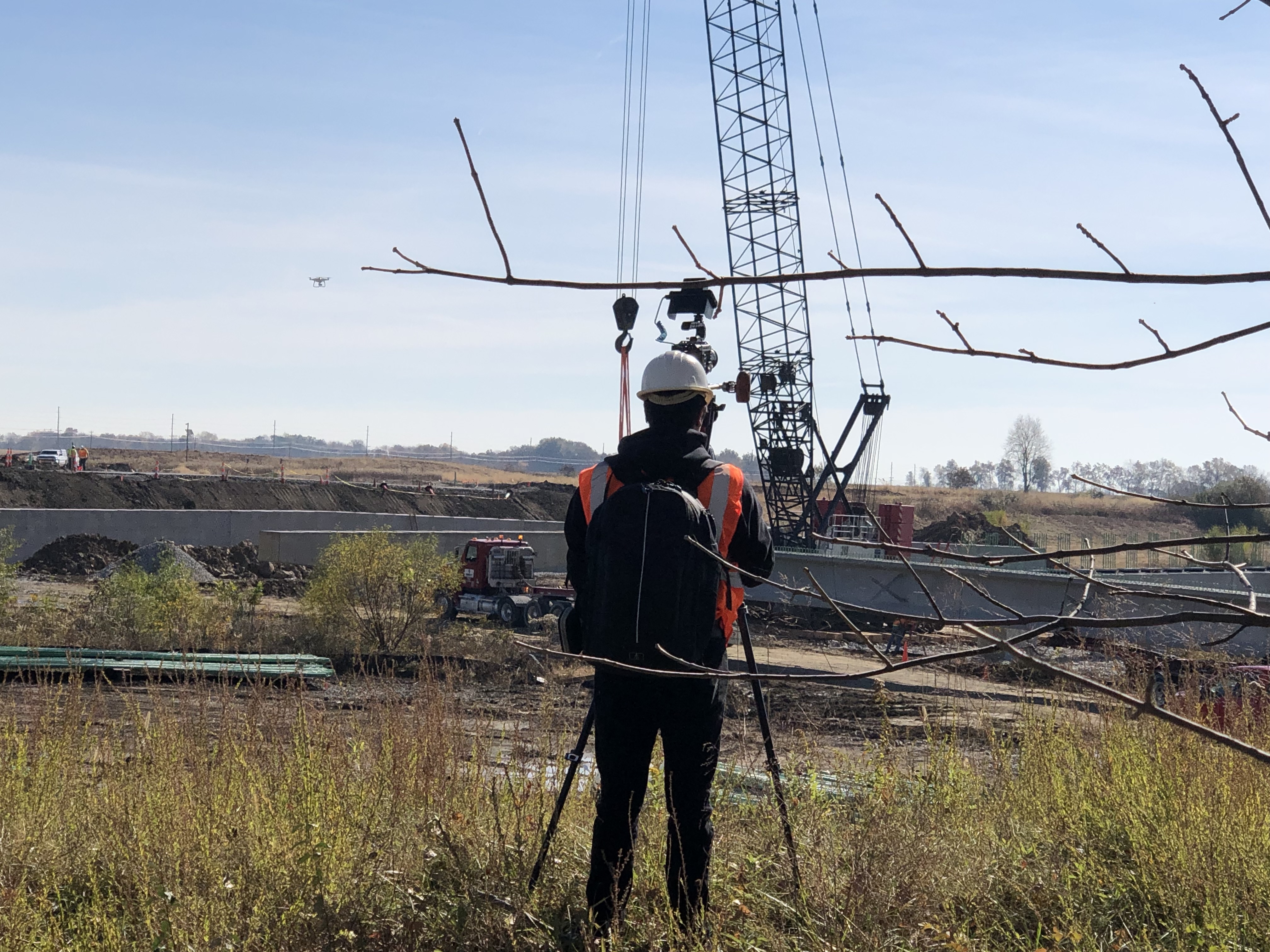
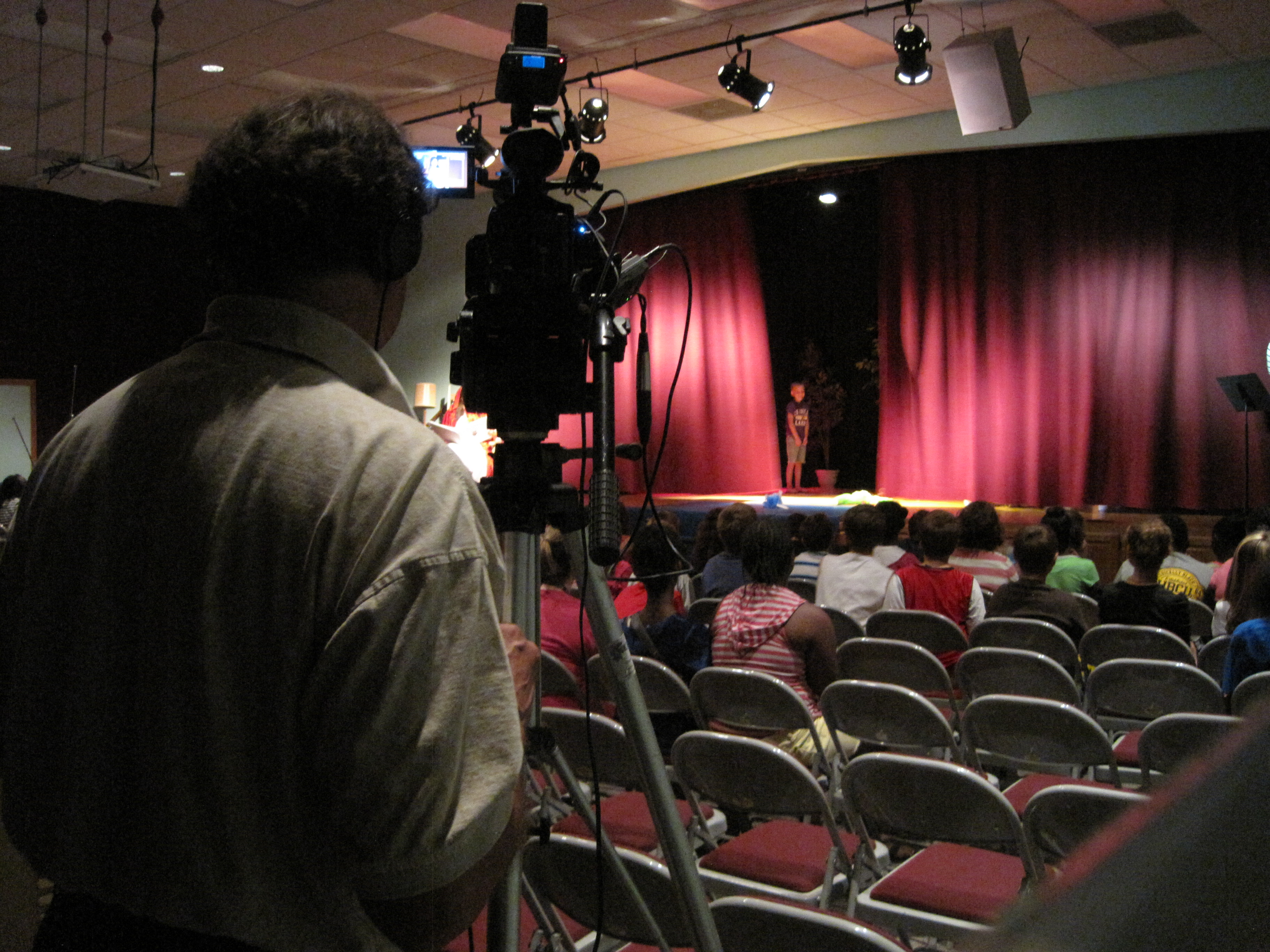
Position yourself strategically to capture key moments. Use tripods or stabilizers for steady shots. Be mindful of obstructing views or causing distractions to attendees.
2. Lighting:
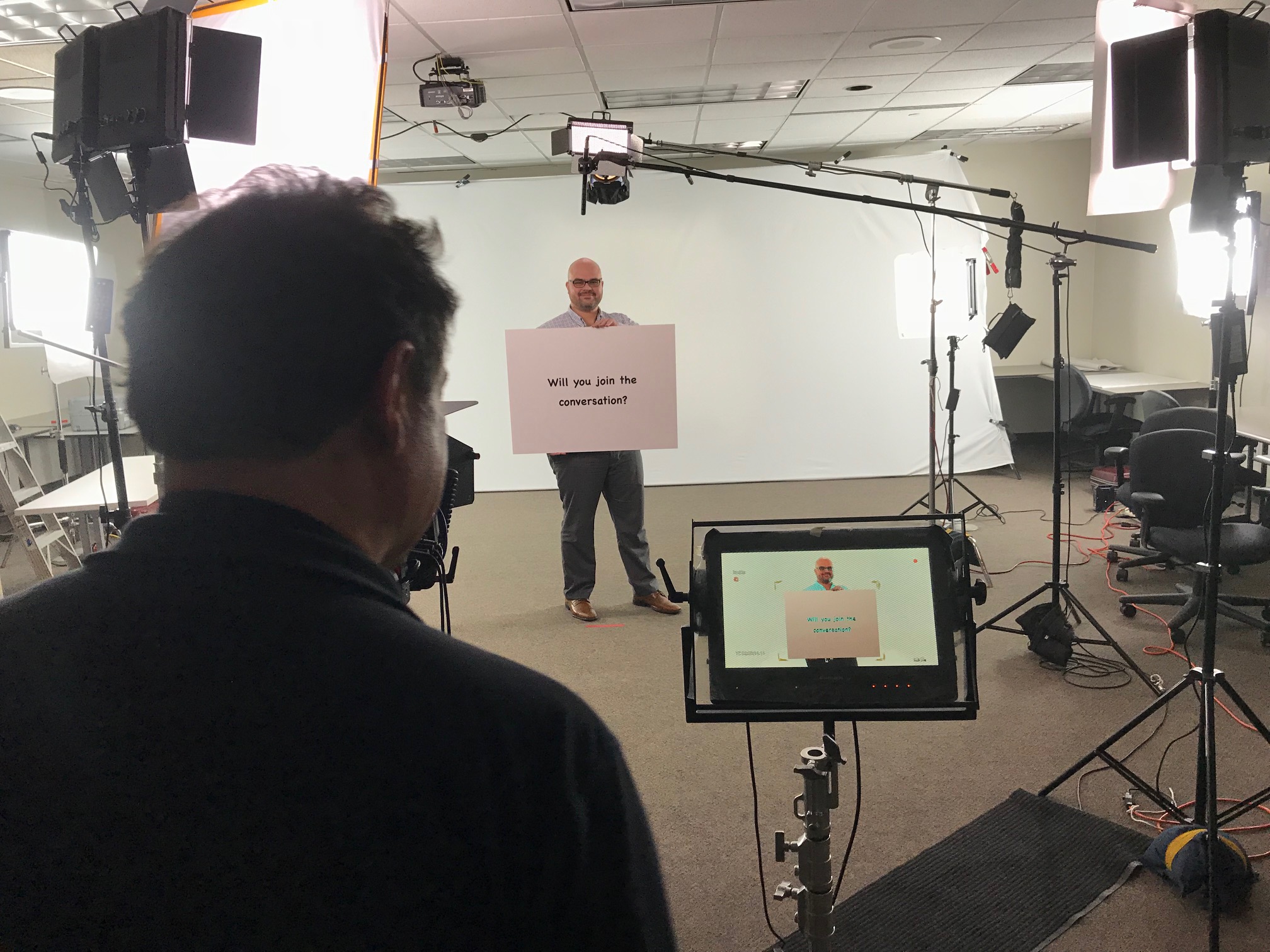
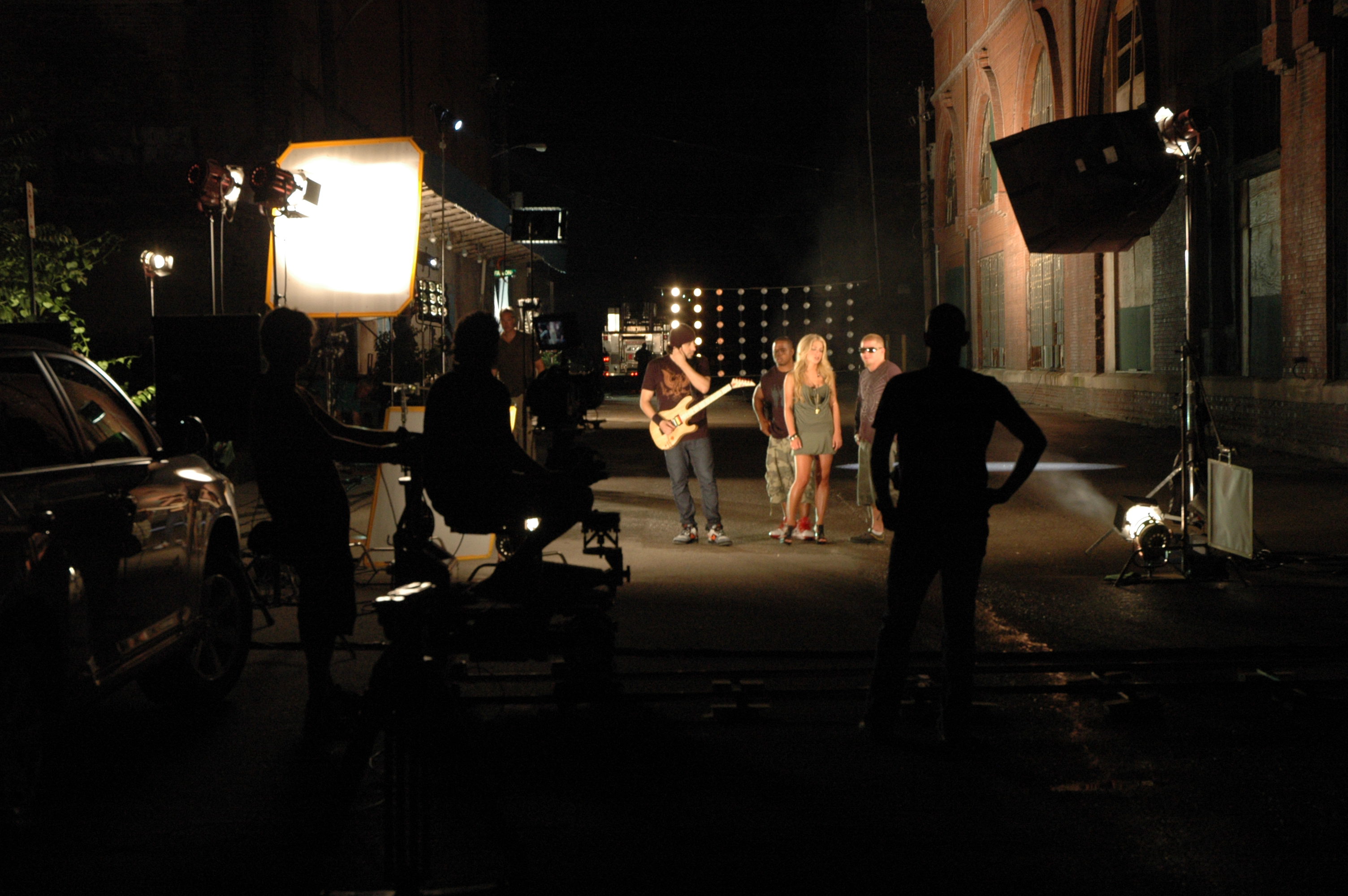
Lighting can make or break your photos and videos. Utilize natural light whenever possible, but be prepared to use artificial lighting when needed. Adjust white balance to ensure accurate colors.
3. Audio:
Good audio quality is essential for video recordings. Use external microphones to capture clear sound. Test audio levels beforehand and monitor throughout the event.
4. Composition:
Pay attention to composition principles such as the rule of thirds, leading lines, and framing. Capture a variety of shots, including wide-angle for context and close-ups for emotion.
5. Candid Moments:
Some of the most authentic and memorable shots come from candid moments. Keep an eye out for reactions, interactions, and emotions in the crowd.
6. Variety:
Capture a mix of wide shots to establish the setting and close-ups to convey emotions. Also, vary your angles by shooting from different perspectives, including high and low angles.
7. Continuous Shooting:
Use burst mode for photography and continuous recording for videography during critical moments. This ensures you don’t miss important expressions or actions.
8. Backups:
Always have spare memory cards and batteries on hand. Running out of storage or power during a crucial moment can be disastrous.
Post-Production and Editing
Once the conference is over, your work is far from finished. Post-production and editing are where you refine your raw footage and images into polished final products.
1. Selection:
Go through all your footage and images to select the best shots. Eliminate any duplicates or low-quality content.
2. Editing:
Use professional editing software to enhance the color, contrast, and sharpness of your photos and videos. Adjust audio levels and remove any background noise.
3. Storytelling:
Arrange your footage and images in a way that tells a cohesive story of the conference. Create engaging narratives that captivate the audience.
4. Graphics and Text:
Add relevant graphics, titles, and captions to your videos to provide context and information.
5. Branding:
Incorporate the conference branding and logo into your videos and photos. This helps reinforce the event’s identity.
6. Music:
If suitable, add background music to your videos to enhance the overall atmosphere and engagement.
Delivering the Final Product
Once you’ve completed the post-production process, it’s time to deliver the final product to the client. Here are some important steps to ensure a smooth handover:
1. File Organization:
Organize all files neatly in folders and use clear naming conventions. Provide a clear file structure to the client.
2. File Formats:
Deliver files in the formats requested by the client. Typically, high-resolution JPEGs for photos and MP4 or MOV for videos are standard.
3. Delivery Method:
Determine how the client wants to receive the files. Whether it’s through a secure online portal, physical media, or a cloud storage service, ensure a secure and efficient delivery process.
4. Usage Rights:
Discuss usage rights with the client. Specify whether they have exclusive rights to the content or if you retain any rights for portfolio or promotional purposes.
5. Feedback:
Encourage the client to provide feedback on the delivered content. This helps build a strong working relationship and ensures client satisfaction.
Repurposing Conference Content
One of the strengths of a professional photography and video production company is the ability to repurpose conference content effectively. Repurposing extends the lifespan and reach of the content, maximizing its value.
1. Webinars:
Turn conference presentations into webinars or online courses. This allows a broader audience to access the valuable information presented at the event.
2. Podcasts:
Extract audio from conference videos and create podcasts. Podcasts are a popular format for sharing knowledge and insights.
3. Blog Posts:
Convert key takeaways from the conference into informative blog posts. These can be shared on the client’s website or other industry-related platforms.
4. Social Media Content:
Create short video clips or image quotes from the conference content for social media. These snippets can generate interest and engagement.
5. E-books and Reports:
Compile conference highlights and insights into e-books or reports. These can be used for lead generation or as valuable resources.
Expertise in Diverse Media and Software
At St. Louis Photography Studio, we pride ourselves on our expertise in handling various file types and styles of media. Our creative crew is well-versed in industry-standard software, ensuring that your conference documentation is not only visually appealing but also technically flawless.
1. File Formats:
We can work with a wide range of file formats, including RAW, JPEG, PNG, TIFF, MP4, MOV, and more.
2. Editing Software:
Our team is proficient in using professional editing software such as Adobe Photoshop, Lightroom, Premiere Pro, Final Cut Pro, and DaVinci Resolve.
3. Graphic Design:
If your project requires graphic design elements, our talented designers can create stunning visuals to complement your content.
4. Audio Enhancement:
We have the tools and expertise to enhance audio quality, reduce background noise, and deliver crystal-clear sound in your videos.
Conclusion
In the world of conference photography and videography, precision and attention to detail are paramount. Successful documentation not only preserves valuable knowledge but also serves as a powerful marketing tool and a source of content for various media platforms.
As a full-service video and photography production company, St. Louis Photography Studio has worked with many businesses, marketing firms, and agencies in the St. Louis area for their corporate photography and video needs. With our experienced team, state-of-the-art equipment, and expertise in diverse media and software, we are well-equipped to handle all your conference documentation requirements.
Don’t miss the opportunity to make your next conference a resounding success. Contact St. Louis Photography Studio today to discuss your conference documentation needs and discover how our services can elevate your event to the next level. Let us help you capture the moments that matter most.






























 St Louis Photography Studio