The Essential Guide to Optimizing Your Company’s Photo Library for SEO
In the digital age, where visuals play a pivotal role in marketing and brand representation, having a well-organized and optimized photo library is crucial for businesses of all sizes. A well-curated collection of images not only enhances your online presence but also contributes significantly to your search engine rankings. In this comprehensive guide, we will delve into the world of optimizing your company’s photo library for SEO (Search Engine Optimization). As the owner of St. Louis Photography Studio with over four decades of experience, I’ll share valuable insights and strategies to help you make the most of your visual assets.
Why Optimize Your Photo Library for SEO?
Before we dive into the nitty-gritty of photo library optimization, let’s understand why it’s so important for your business.
1. Improved Visibility
In today’s competitive digital landscape, visibility is key. When your images are optimized for SEO, they have a higher chance of ranking on search engine results pages (SERPs). This means more exposure for your brand and products.
2. Enhanced User Experience
Optimized images not only benefit search engines but also your website visitors. Faster loading times and high-quality visuals contribute to a better user experience, which can lead to higher engagement and conversions.
3. Brand Consistency
A well-organized photo library ensures brand consistency. When your visuals align with your brand’s identity, it reinforces your messaging and builds trust with your audience.
4. Accessibility
SEO optimization often involves adding alt text to images, making them more accessible to people with disabilities. This inclusivity is not only ethical but also legally required in many jurisdictions.
Now that we’ve established the importance of optimizing your photo library, let’s explore the essential steps to achieve it.













Step 1: Organize Your Photo Library
Before you can optimize your images for SEO, you need to have a well-organized photo library. Here’s how to go about it:
1. Categorize Your Images
Start by categorizing your images into relevant folders or albums. Create a clear and intuitive folder structure that reflects your business’s products, services, or campaigns.
2. Use Descriptive Filenames
Rename your image files with descriptive, keyword-rich names. Avoid generic filenames like “IMG_1234.jpg.” Instead, opt for names that convey what the image is about, such as “red-widget-product-shot.jpg.”
3. Metadata Matters
Don’t overlook metadata. Ensure that each image is embedded with relevant metadata, including title, description, and copyright information. This metadata helps search engines understand the context of your images.
Step 2: Optimize Image Size and Format
Image size and format play a crucial role in both SEO and user experience. Here’s how to get it right:
1. Choose the Right Format
Use the appropriate image format for your needs. JPEG is ideal for photographs, while PNG is better for images with transparency, like logos.
2. Compress Images
Large image files can slow down your website. Compress your images to reduce their file size while maintaining quality. Several online tools and plugins can help with this task.
3. Responsive Design
Ensure that your website is designed to display images responsively. Images should adapt to different screen sizes and devices without compromising quality or loading times.
Step 3: Add Alt Text
Alt text, short for alternative text, is a brief description of an image that is displayed if the image fails to load. It also helps search engines understand the content of your images. Here are some best practices for writing alt text:
- Be Descriptive: Describe the image accurately and concisely.
- Use Keywords: Incorporate relevant keywords naturally, but avoid keyword stuffing.
- Keep It Brief: Alt text should be relatively short, typically under 125 characters.
- Be Specific: If the image conveys important information, make sure your alt text reflects that.
Step 4: Create an Image Sitemap
An XML sitemap specifically for images can help search engines discover and index your images more efficiently. Create an image sitemap and submit it to Google Search Console to enhance your image SEO.
Step 5: Utilize Structured Data
Structured data, also known as schema markup, can provide additional information to search engines about your images. Implement schema markup for product images, logos, and other visual content to improve search engine visibility.
Step 6: Monitor and Update Regularly
Optimizing your photo library is not a one-time task. To maintain high SEO performance, monitor your image rankings and user engagement regularly. Update your library with fresh images and keep refining your optimization efforts.
How St. Louis Photography Studio Can Help
As the owner of St. Louis Photography Studio, we understand the intricacies of creating and managing a comprehensive photo library. With over four decades of experience, we offer a full range of services to support your business communications and advertising needs.
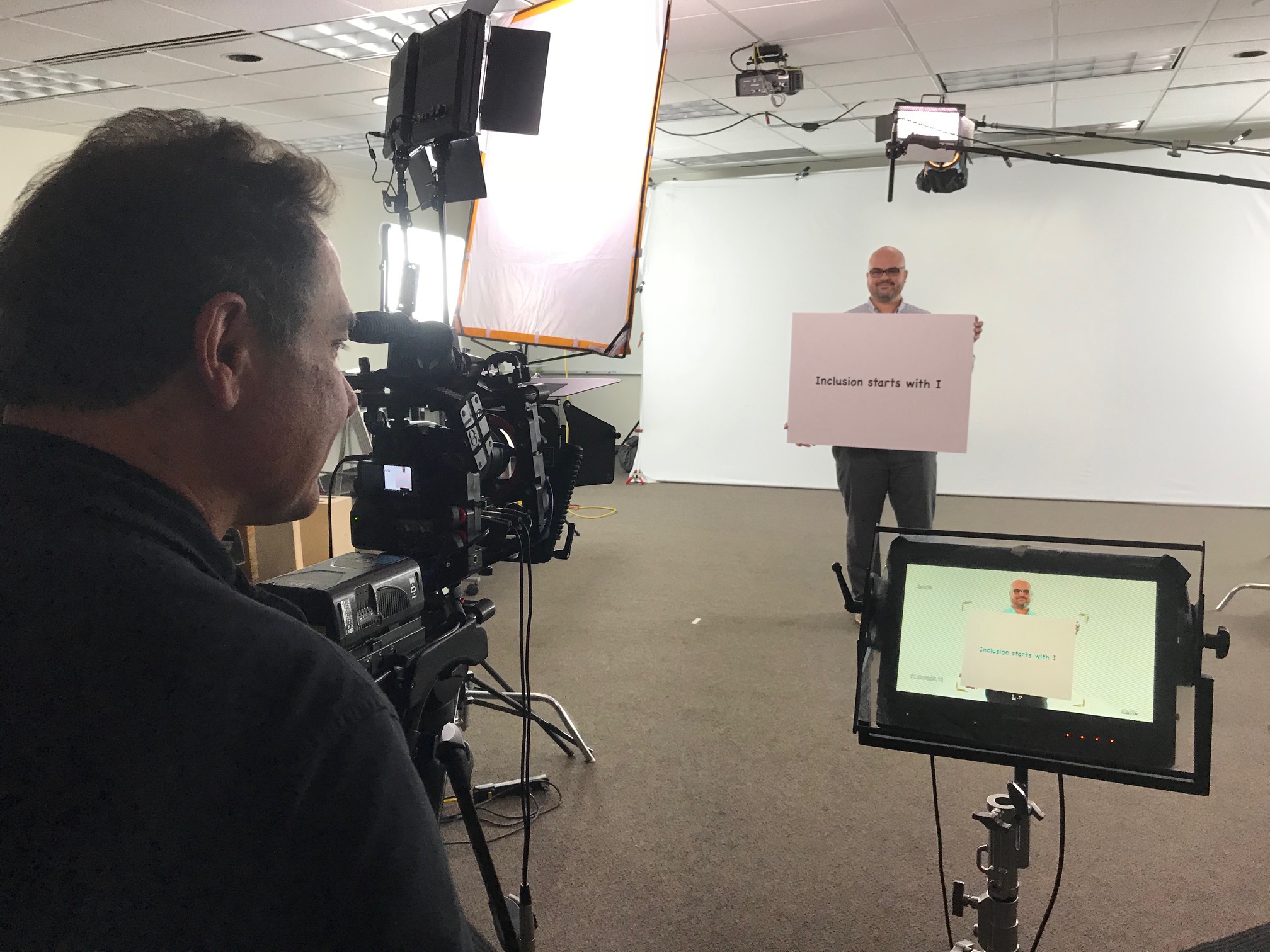
Our team of skilled photographers and editors is well-versed in all aspects of commercial photography. Whether you require product photography, corporate headshots, or marketing campaign visuals, we have the expertise to deliver stunning and impactful images.
We don’t stop at capturing great shots. We also excel in post-production editing, ensuring that your images meet the highest industry standards. Our services include retouching, color correction, background removal, and more.
In addition to our photography and editing services, we provide comprehensive guidance on optimizing your photo library for SEO. We understand the importance of visuals in the digital landscape and can assist you in organizing, optimizing, and maintaining your visual assets to enhance your online presence and search engine rankings.
As a professional photography production company, St. Louis Photography Studio has worked with many businesses and organizations of all types and sizes in the St. Louis area. Our commitment to quality and excellence is unwavering, and we take pride in helping businesses like yours shine through exceptional visuals.
Conclusion
In today’s digital world, optimizing your company’s photo library for SEO is not just an option; it’s a necessity. A well-organized and optimized photo library can significantly impact your brand’s visibility, user experience, and overall success. Follow the steps outlined in this guide to ensure your images are primed for SEO success.
And remember, St. Louis Photography Studio is here to support your photography and image optimization needs. With our extensive experience and commitment to excellence, we are ready to partner with you to elevate your brand through the power of visuals. Don’t hesitate to reach out and discover how we can help your business thrive in the digital age.






































 St Louis Photography Studio